Based on community discussions and Steam hardware data, an estimated 60% to 70% of the active DayZ community gets openly annoyed by the constant unsubscribe/reinstall cycle, and roughly 25% to 35% face hard storage limits where they actively run out of space due to mods clashing with personal files, photos, videos, and other games.

Hygiene is built for that mess.

App preview

Find servers, manage Favourites, and clear Unique, Shared, or Unused mods. Optional sync with DZSA or the vanilla launcher if you already use them.
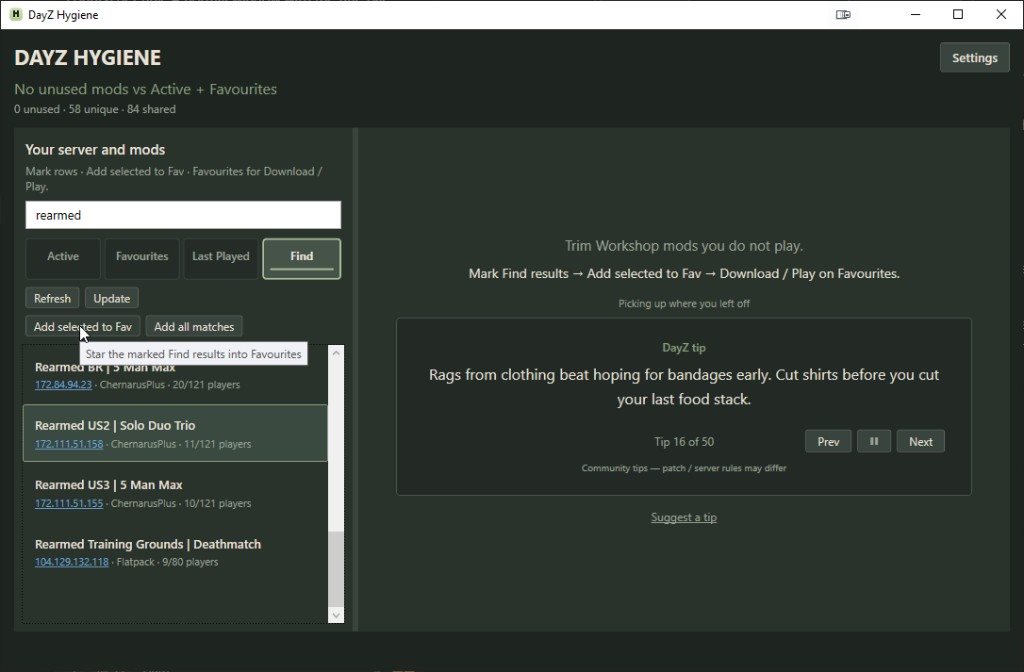
DayZ Hygiene — Find servers

Search official and community servers, then star what you will play.

Share DayZ Hygiene with friends who are still drowning in Workshop mods.

Wallpapers

Wallpaper

Want a wallpaper for your screen? Flip through the sets and download. All art packs →

How-to

Short setup notes - Windows warning, Find, cleanup, and optional launcher sync.

Windows SmartScreen

Setup is not code-signed yet. If Windows says it protected your PC:

  1. More info
  2. Run anyway

Unsigned for now - CA certs are pricey for a free DayZ tool. More info -> Run anyway is normal.

.NET

If Setup asks, install .NET 8 Desktop Runtime (x64) - once.

Find -> Favourites -> Play

Open Find. Search official and community servers. Mark a few, then Add selected to Fav.

On Favourites, download any missing mods, then hit Play when the pack is ready.

Cleanup

Mark the servers you still play as Active, and keep hosts you like in Favourites. Hygiene then shows which Workshop mods are Unique to one host, Shared across several, or Unused leftovers.

When you clean up, Steam can unsubscribe those mods and move the folders to the Recycle Bin (or folder-only if you prefer). Shared mods stay so your other servers keep working.

DZSA / vanilla

You do not need DZSA or the vanilla launcher. If you already use them, Hygiene can sync favourites both ways when those files exist - optional, not required.

<- Back to Home

Branding

Four looks for DayZ Hygiene. Peek at each pack, or download them all in one zip. Single wallpapers are still on Home.

Download all art packs

One zip - Wallpapers at 2560x1440

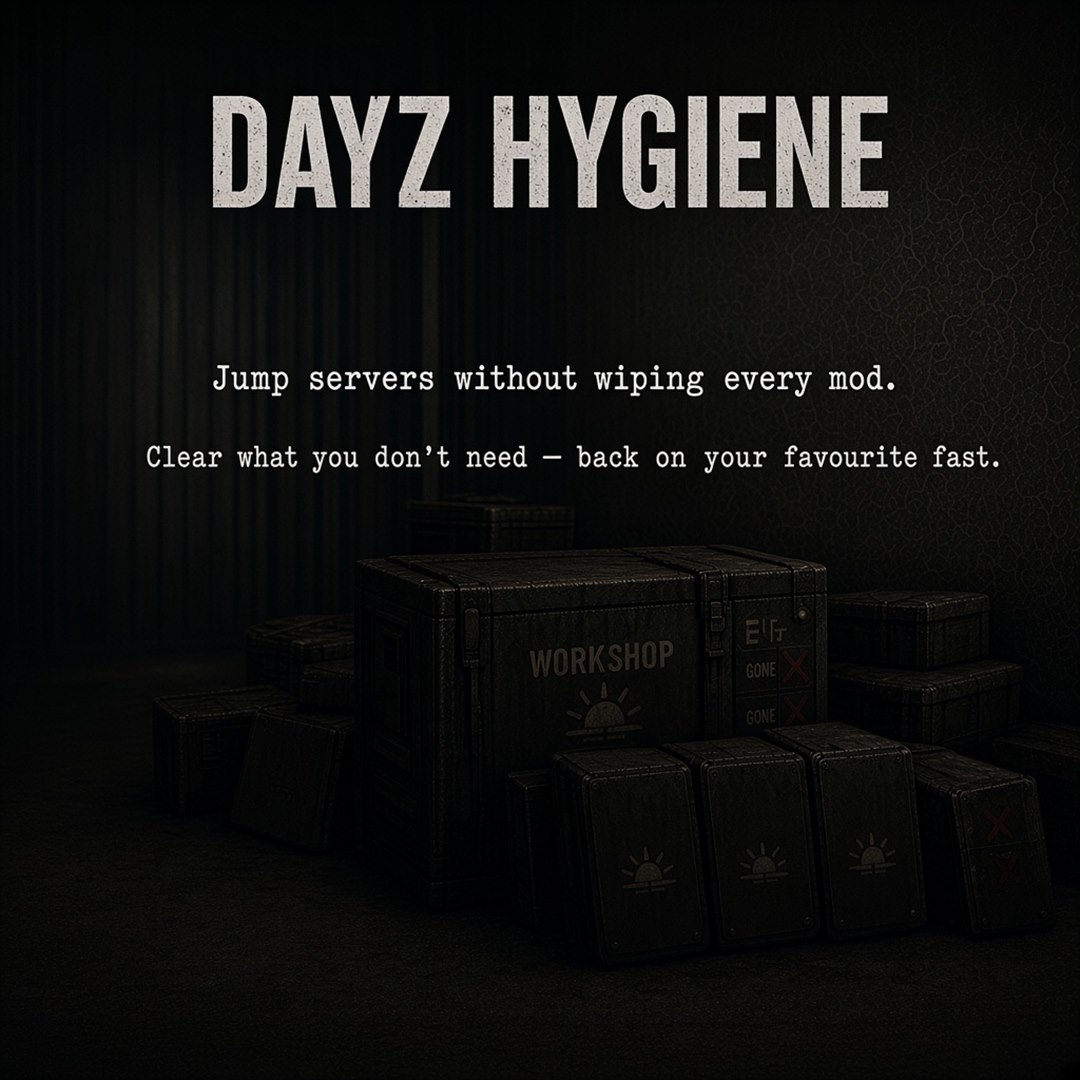
Pack A - Field Quartermaster

A Field Quartermaster

Stacked Workshop crates - the pile you're finally ready to thin out.
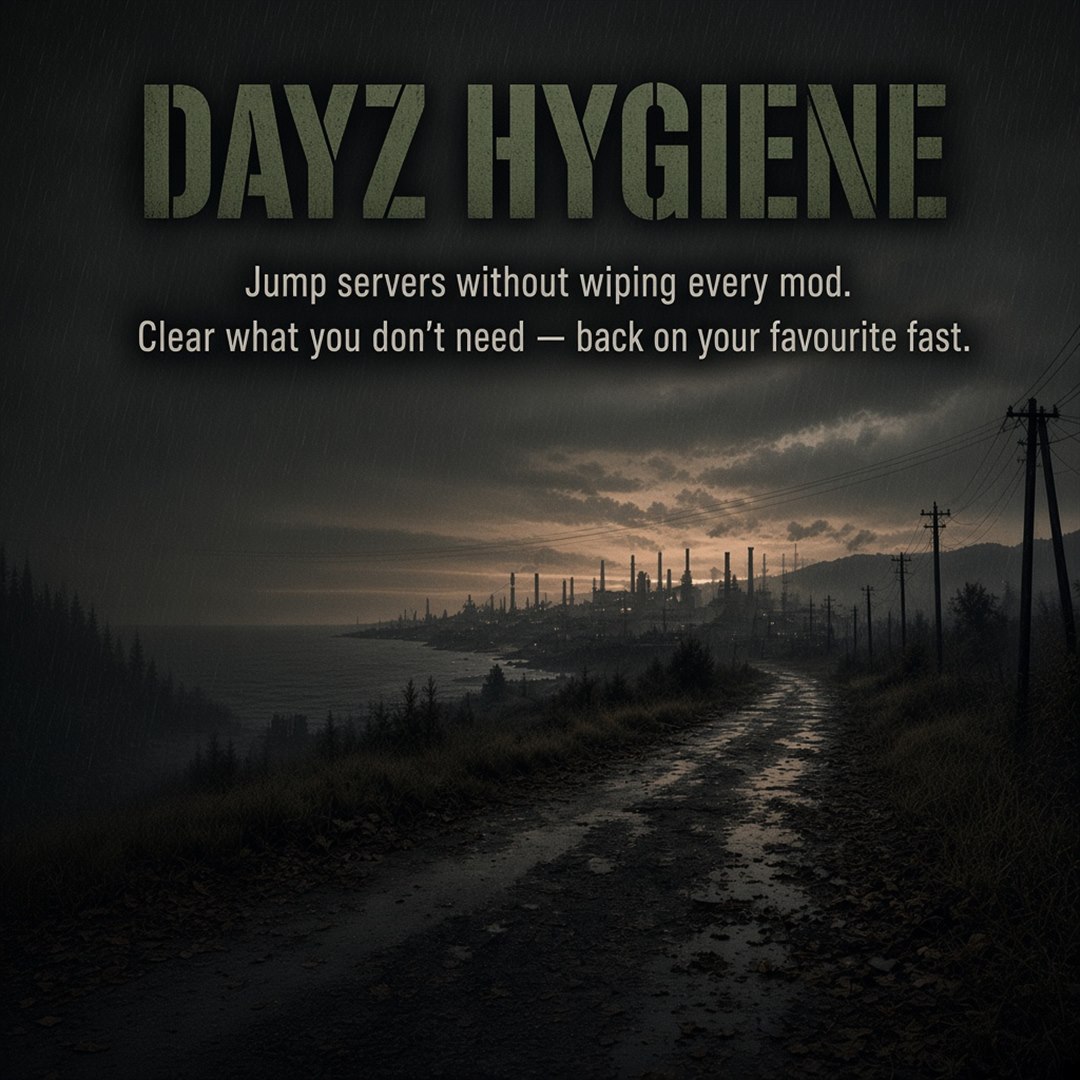
Pack B - Coastal dirt road

B Coastal dirt road

Wet coastal road at dusk. Mud, fog, and the long road ahead.
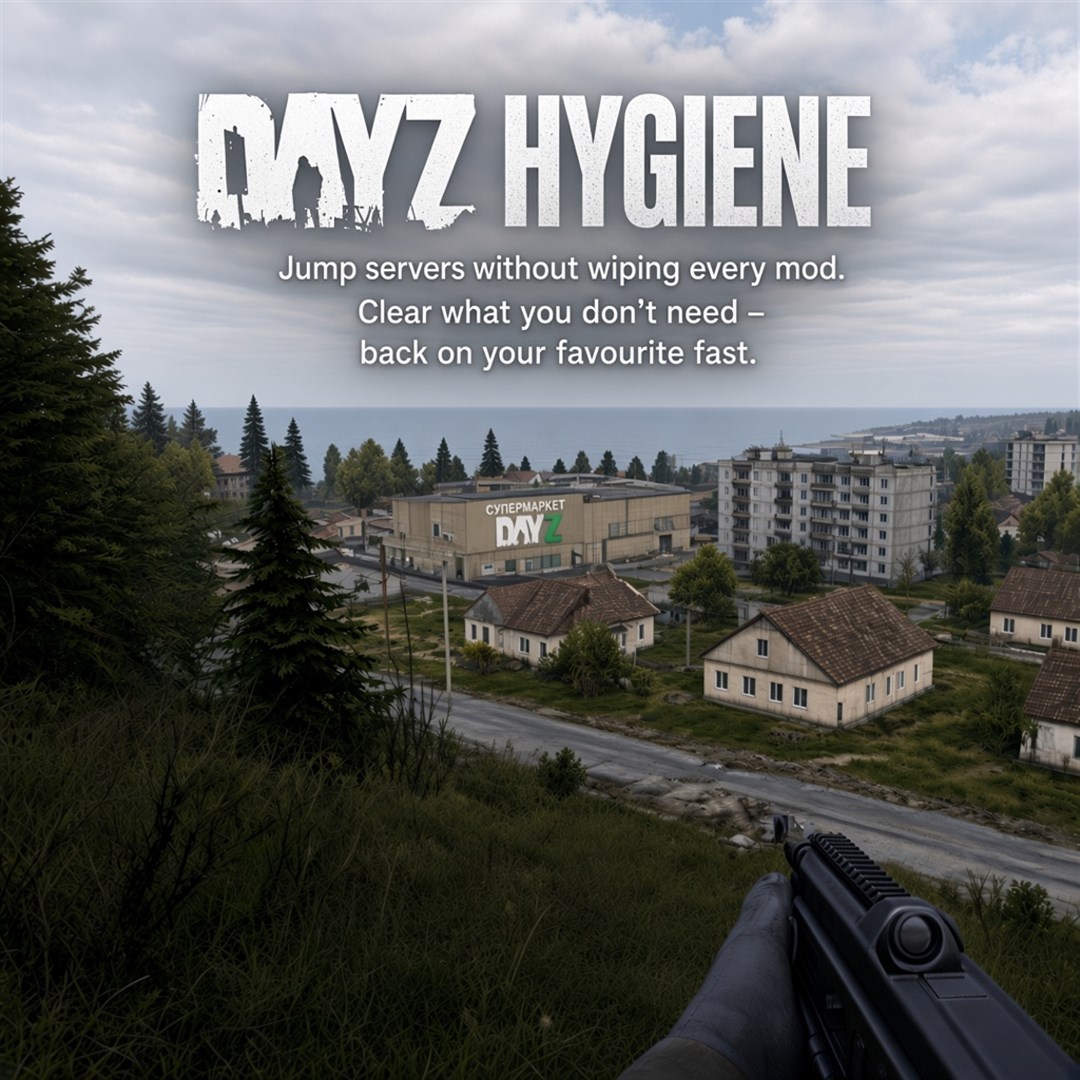
Pack C - Coastal town

C Coastal town

Grey afternoon on the ridge - town and sea laid out below.
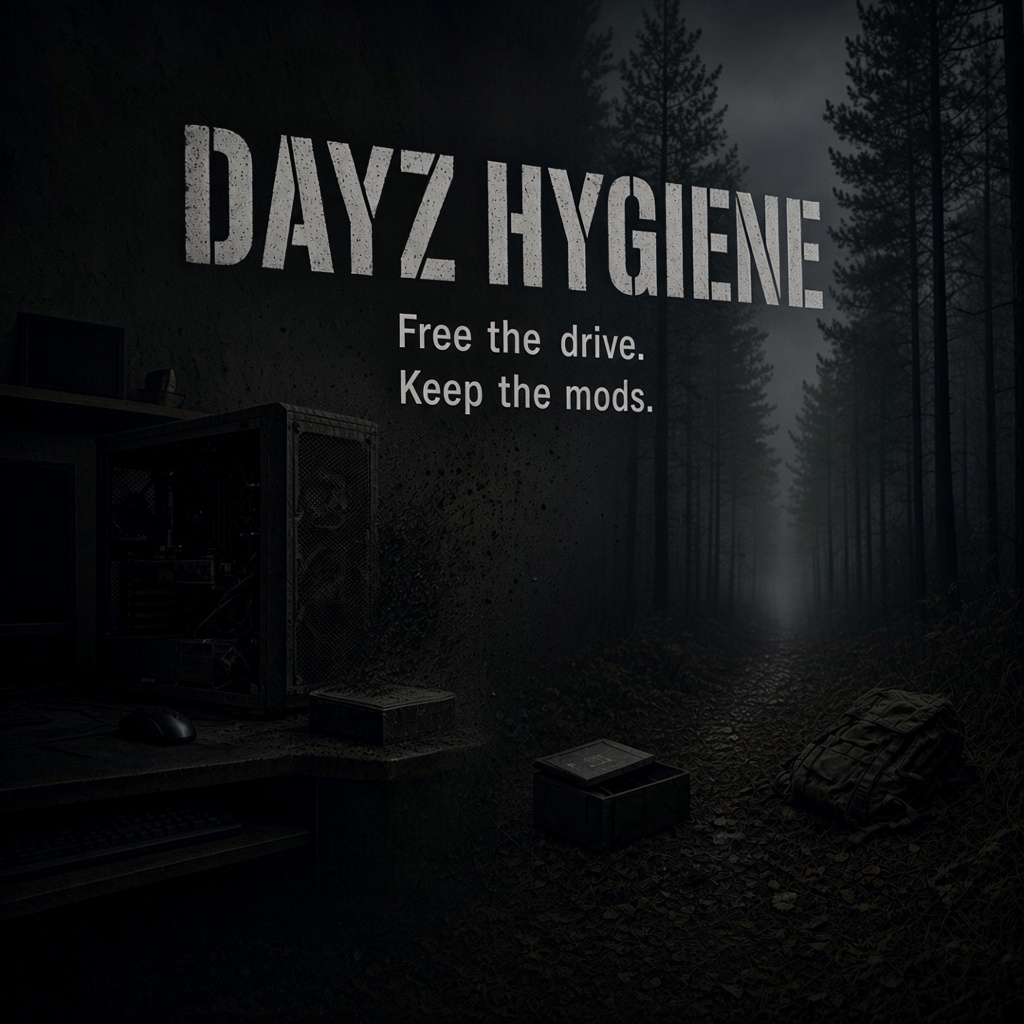
Pack D - Desk in forest

D Desk in forest

Leave the dusty PC behind. The adventure is waiting.

Show your creativity with DayZ Hygiene art sharing. Read the site, try the tool if you can, then create a wallpaper DayZ players would love on their desktop. Your creds stay in the art.

Art competition

$70 winner · $30 runner-up · ends 1 Dec 2026

  • Open theme — you choose your direction
  • In the art: name, a Hygiene slogan, one social tag
  • JPEG / PNG / WebP only
  • Upload here — entries show after a quick safety check · voting appears after the deadline
Wallpaper
Tags (optional — max 4)

You keep ownership. Email stays private — we only use it to reach winners. Hygiene / MarsianDev may show the entry in the gallery, Share links, and winner marketing. No NSFW, hate, or stolen assets.

<- Back to Home

Release notes

What shipped in each build. App updates download quietly; Hygiene asks before installing.

1.3.4 - 3 Oct 2026

  • Suggest a tip posts to tips.marsiandev.com (legacy inbox host still allowed)
  • Tip inbox URL locked to official hosts
  • Clearer thanks after sending a tip (may publish with tipster credit)

1.3.3 - 3 Oct 2026

  • Clearer update dialog wording (Update vs Later)

1.3.2 - 3 Oct 2026

  • Single window only - a second launch focuses the one already open
  • Pin tip: drag the Desktop shortcut onto the taskbar

1.3.1 - 3 Oct 2026

  • App + Setup icon (green DH mark)
  • First-launch shortcut choices - Desktop / Start menu (taskbar tip)
  • Clearer update prompt - current -> new, optional Release notes on hygiene.marsiandev.com, no redownload
  • Settings -> Check for updates; update feed locked to official hosts
  • Download Setup filename includes version

Site - 1-3 Oct 2026

  • App preview step rail - Find / Favourites / Cleanup
  • Player site at dayzhygiene.com (also hygiene.marsiandev.com)
  • Home community/storage pain copy above App preview
  • Curated tip wall at tips.marsiandev.com/wall
  • Home Wallpaper slider - Field Quartermaster, Coastal dirt road, Coastal town, Desk in forest
  • Branding page - packs A-D gallery + one art zip
  • How-to: Setup stays unsigned (CA certs are pricey for a free tool); More info -> Run anyway is normal
  • Pack D square slogan: Keep the mods. (not maps)
  • Menu: Release notes (was Updates)

1.3.0 - 1 Oct 2026

  • New Find tab - search official and community servers
  • Add matches straight into Favourites, then download or Play
  • Short tips on each tab so the flow stays clear

1.2.0 - 30 Sep 2026

  • Active + Favourites drive what you keep vs clean
  • Last Played list; amber warning when a few mods are missing
  • Unfavourite syncs with DZSA / vanilla; click an IP to copy it
  • In-game tip inbox

1.1.0 - 30 Sep 2026

  • First Setup installer
  • Auto-update download over Cloudflare (confirm before install)

<- Back to Home